

Why Your Next Office Monitor Must Be 144Hz

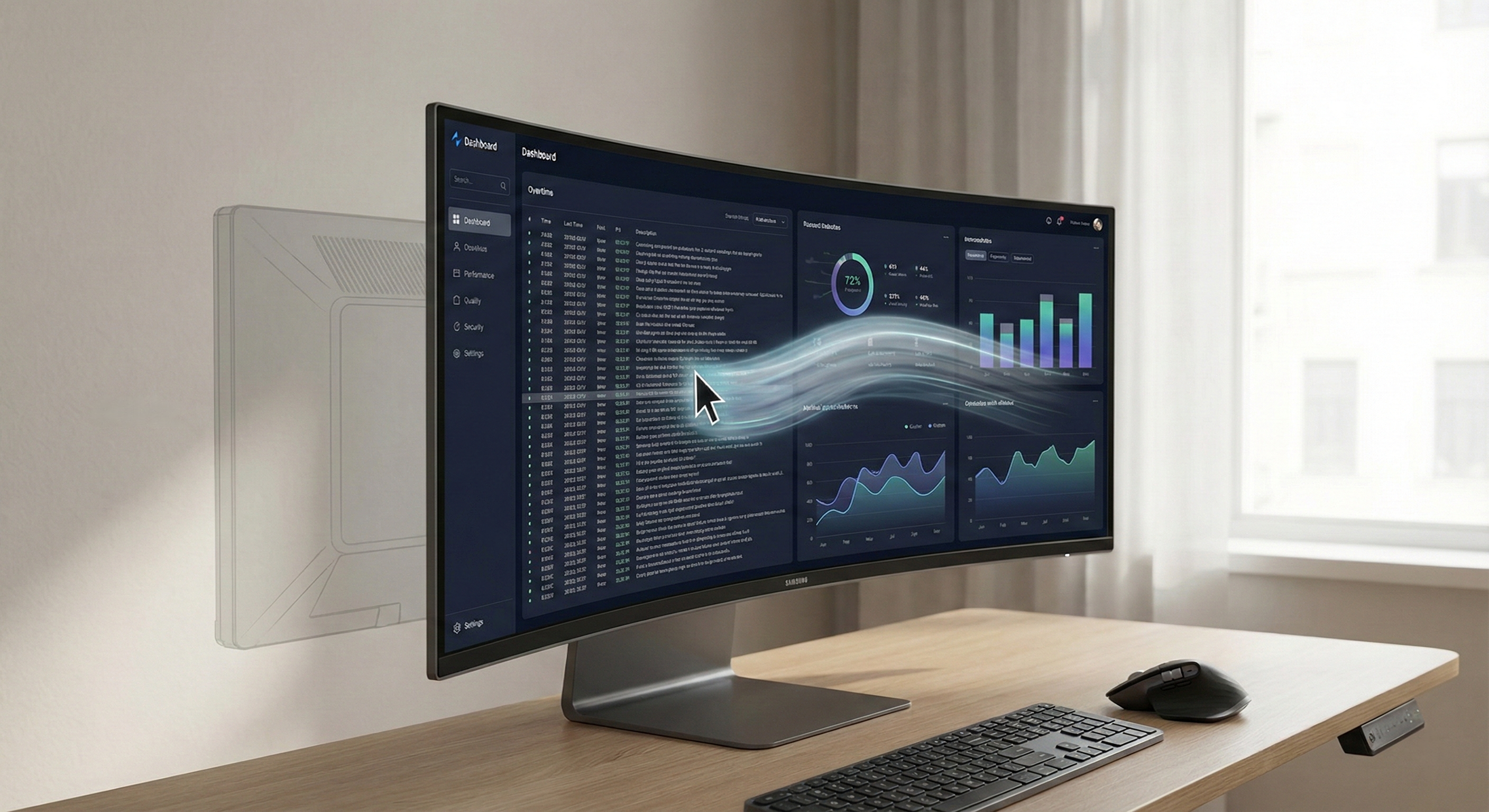
The traditional 60Hz office standard has become a bottleneck for modern productivity and visual health, as the "sample-and-hold" blur of lower refresh rates contributes to significant digital eye strain and cognitive fatigue. By transitioning to 144Hz, professionals can align their digital workspace with the fluid reality of biological vision, enabling sharper "pursuit reading" during scrolling and a near-instantaneous tactile connection between the hand and the cursor. As high-refresh panels become price-competitive in 2026, upgrading your connectivity chain, including Thunderbolt 4 and high-polling mice, is no longer an aesthetic luxury, but a functional imperative for any high-performance home office.
1. The Obsolescence of the 60Hz Standard
The visual interface—the glowing rectangle that mediates the vast majority of modern knowledge work—has remained tethered to a technological artifact of the mid-20th century for far too long. For decades, the 60Hz refresh rate, where a display updates its image 60 times per second, has served as the immutable standard for office computing.
This frequency was originally derived from the alternating current (AC) power cycles of the North American electrical grid. It was sufficient for the static nature of early command-line interfaces, but the nature of digital work has evolved radically. We have shifted from static data entry to a dynamic, fluid environment characterized by continuous motion, rapid information retrieval, and complex multitasking.
In the contemporary home office, the limitations of 60Hz manifest as a subtle, pervasive friction that degrades human-computer interaction (HCI). The "sample-and-hold" nature of LCD and OLED technologies at 60Hz introduces significant motion blur and input latency. While often subconscious, these artifacts contribute to a cumulative cognitive load and visual fatigue over the course of an eight-hour workday.
2. The Physiology of Vision: Temporal Resolution
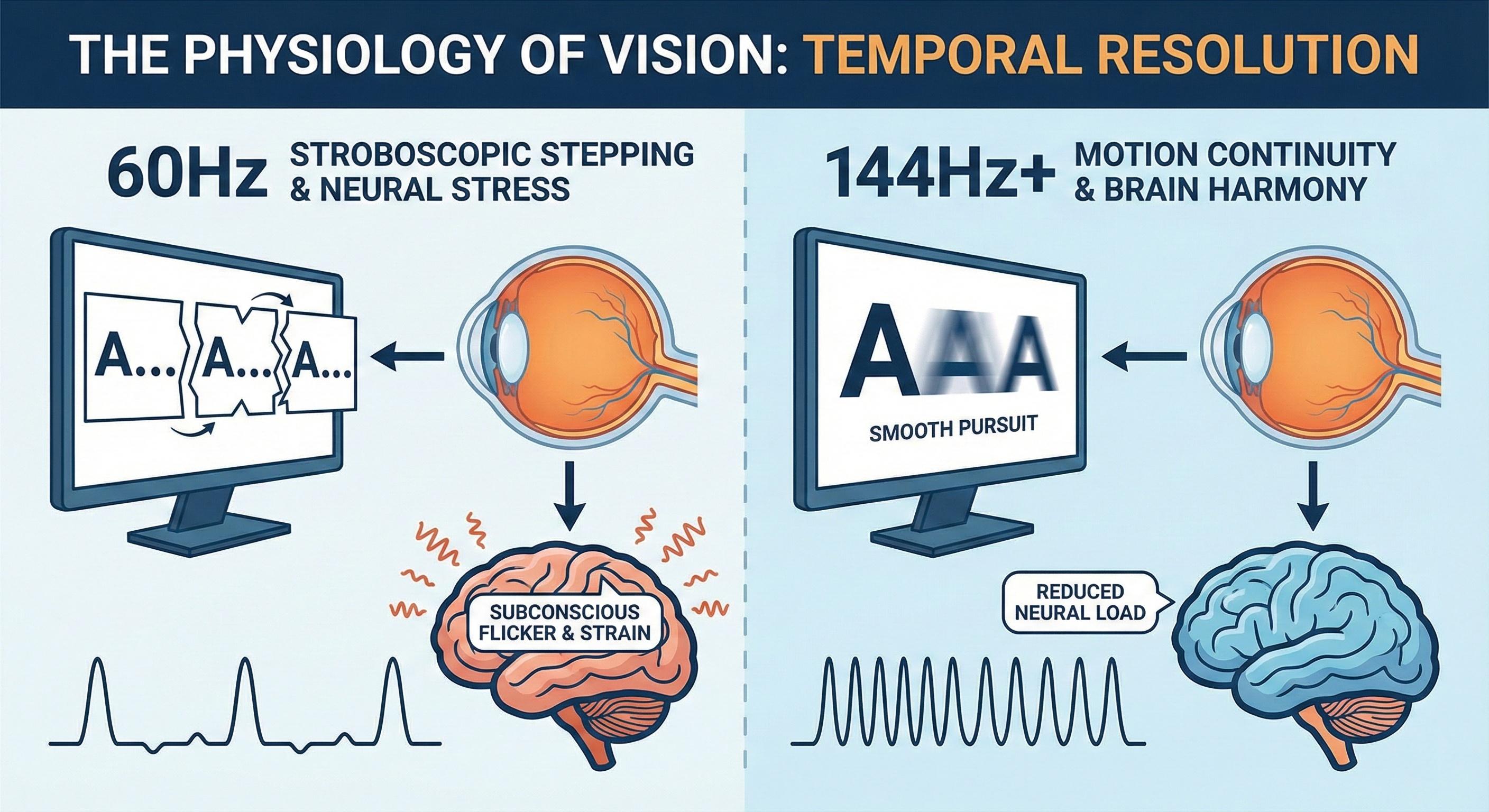
To understand why "smoothness" matters, we must look at how the eye perceives motion. The human visual system does not capture the world in discrete frames; it integrates continuous streams of data. The disparity between our continuous biological vision and the stroboscopic nature of digital displays creates a sensory conflict.
The Critical Flicker Fusion threshold is the frequency at which an intermittent light appears steady. While 60Hz exceeds the conscious threshold for most, our peripheral retina—designed evolutionarily to detect threats—is significantly more sensitive.
Research utilizing Electroencephalogram (EEG) studies suggests that even when flicker isn't "visible," the brain continues to process it, potentially triggering neural stress. Studies have shown significant effects on evoked responses in the 14–28 Hz frequency bands when comparing refresh rates. Higher rates (120Hz+) reduce the gap between frames from 16.7ms to under 8ms, creating a "motion continuity" illusion that aligns with the analogue signals our brains expect.
Digital Eye Strain (DES) affects a vast majority of modern workers. At 60Hz, scrolling high-contrast text creates a "phantom array" or stroboscopic stepping. As the eye tracks moving text, the display only renders it at discrete intervals. The eye attempts to "lock onto" a target that is essentially teleporting 60 times a second. This forces the ciliary muscles to constantly readjust, leading to headaches and blurred vision.
| Feature | 60Hz Performance | 144Hz Performance |
|---|---|---|
| Frame Gap | 16.7 ms | 6.9 ms |
| Motion Blur | High (Significant smearing) | Low (Sharp text in motion) |
| Input Lag | ~50ms - 100ms (System total) | ~15ms - 30ms (System total) |
| Flicker Perception | Sub-perceptual stress | Virtually non-existent |
- Lower neural load at 144Hz.
- 144Hz reduces oculomotor strain.
- 144Hz feels "connected" to the hand.
- Higher comfort during long shifts.
3. Cognitive Ergonomics and the "Scrolling Dividend"
Beyond health, there is a clear productivity argument. This is rooted in Fitts’s Law, which predicts how long it takes to move a cursor to a target.
Input lag—the delay between moving your mouse and seeing the cursor move—effectively reduces the "virtual" size of a target. At 144Hz, the cursor feels like a physical extension of the hand. In complex environments, like massive Excel sheets or video editing timelines, this reduction in latency ensures the cursor arrives exactly when and where the brain expects, eliminating the need for tiny, exhausting micro-corrections.
One of the most frequent actions in an office is vertical scrolling. At 60Hz, text turns into a blur, forcing the user to stop scrolling to read. At 144Hz, the "persistence" of the pixels is low enough that text remains sharp even while moving. This allows for "pursuit reading"—processing headers and data points while the document is in motion. At Velio, we've found this "scrolling dividend" can save minutes of cognitive reset time every hour.
4. The Demographic and Economic Landscape
At Velio, we believe technology should be an equalizer. However, data suggests that access to high-quality ergonomic hardware isn't always uniform across the tech industry.
- The Access Gap: Statistics from 2024 workplace surveys indicate that while 85% of executive-level tech workers use displays with 120Hz or higher, that number drops to 42% for entry-level administrative and data-entry roles.
- Health Equity: Minority groups in tech, who are statistically more likely to work in "gig" or contract-based roles, often rely on older, refurbished hardware (primarily 60Hz), potentially leading to higher rates of chronic eye strain over time.
The good news? The manufacturing cost difference between a 60Hz panel and a 100Hz or 144Hz panel has become negligible. Supply chain economics are forcing the obsolescence of 60Hz. We are seeing "business" monitors from brands like Dell, HP, and Lenovo move to 100Hz or 120Hz as the new baseline, not because they are "gaming" screens, but because that is the standard of modern panel production.
5. Technical Infrastructure: The Connectivity Bottleneck
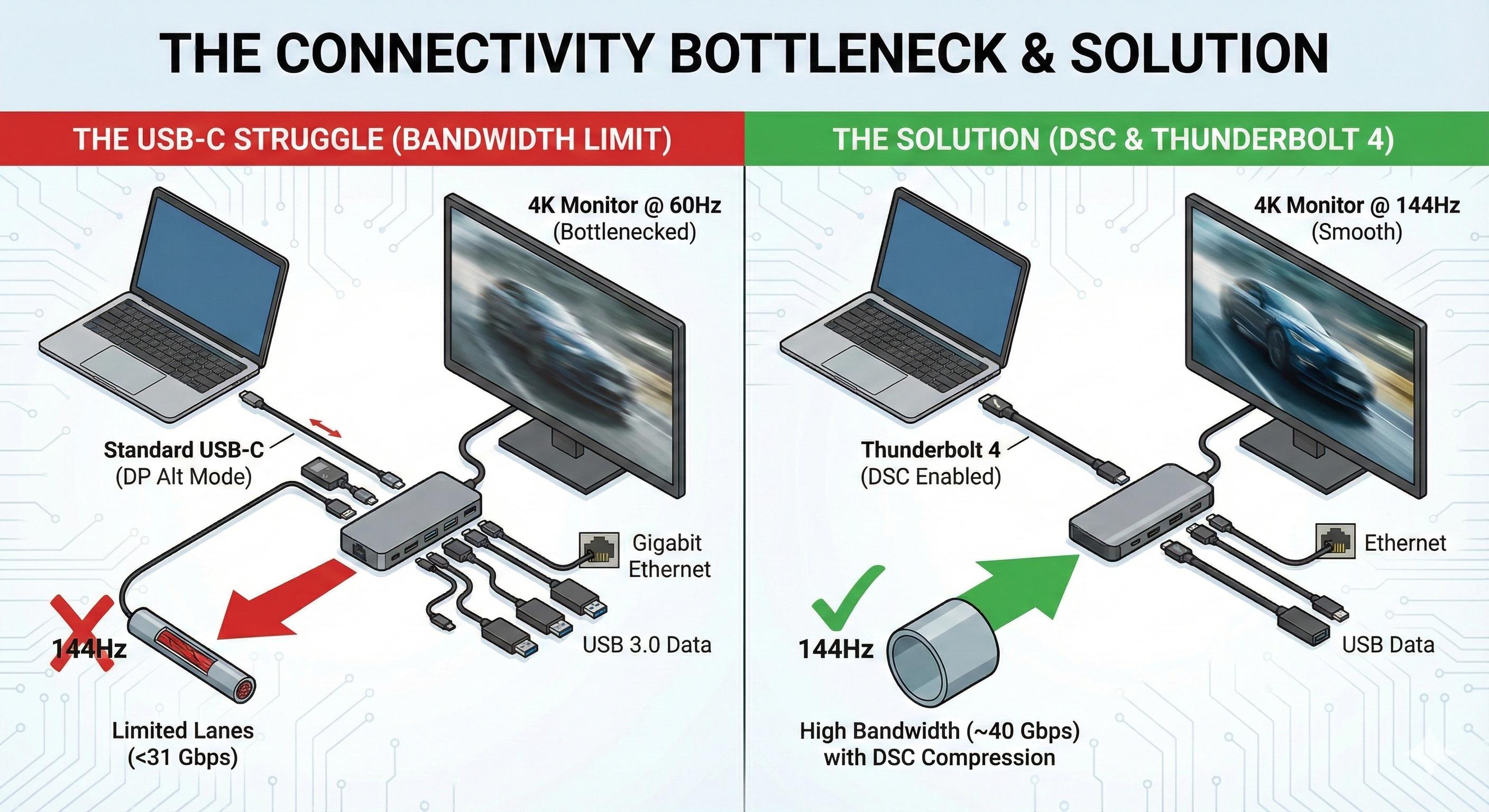
This is where most office setups fail. You cannot simply plug a 144Hz monitor into an old setup and expect it to work.
Most office environments use USB-C docking stations. Transmitting a 4K signal at 144Hz requires massive bandwidth—roughly 31 Gbps. A standard USB-C cable using "DisplayPort Alt Mode" often splits its lanes between video and data. If your dock is trying to run a high-speed Ethernet port and USB 3.0 ports simultaneously, it may not have enough lanes left for the video signal, capping you at 60Hz.
To achieve high refresh rates at high resolutions, your hardware must support Display Stream Compression (DSC). This is a visually lossless way to squeeze high-bandwidth video through a smaller pipe. Furthermore, upgrading to Thunderbolt 4 docks is becoming a necessity for the "kinetic" home office.
6. Software Integration and Power Management
Driving a screen at 144Hz does require more power—typically 3 to 5 watts more than 60Hz. To balance this, operating systems have introduced dynamic solutions:
- macOS ProMotion: Ramps the refresh rate up to 120Hz when you scroll and down to 1Hz when the screen is static. This has created a "ratchet effect"—once a Mac user experiences ProMotion on their laptop, an external 60Hz screen feels "broken."
- Windows 11 Dynamic Refresh Rate (DRR): Microsoft’s equivalent, which ensures you get the smoothness when you need it (scrolling or inking) without draining your laptop battery when you’re just reading an email.
7. Strategic Recommendations
If you are looking to upgrade your workspace, here is the Velio roadmap:
- Prioritize Refresh over Resolution: A 1440p monitor at 144Hz is almost always a better experience than a 4K monitor at 60Hz for general productivity.
- Check the Chain: Ensure your laptop, your cable (DP 1.4 or HDMI 2.1), and your dock all support the bandwidth required.
- The Mouse Matters: Pair your high-refresh screen with a mouse that has at least a 500Hz or 1000Hz polling rate. A standard office mouse (125Hz) will look "jittery" on a 144Hz screen.
The move from 60Hz to 144Hz isn't a luxury for gamers; it’s a fundamental correction of a historical limitation. By reducing the physiological tax of visual processing and increasing the precision of our interactions, high refresh rates make the digital interface feel human-centric once again. The future of work is kinetic, and it’s time our displays kept up.
Do you find yourself getting "tech fatigue" or headaches by the end of the day? Have you checked if your monitor is currently set to 60Hz or higher in your display settings?
Keep reading
Random picks from across Velio.

2025 marks the end of the "app" era. Explore how Ambient Computing, Large Action Models (LAMs), and neural interfaces are making screens obsolete.

By using inexpensive "smart stickers" (NFC Stickers, the tech inside your credit card), you can create a home that organizes itself.

Stop monetizing hobbies. Discover why "strategic uselessness" and active recovery are the real cures for burnout. Hack your 5-to-9 routine for healing, not just hustling.
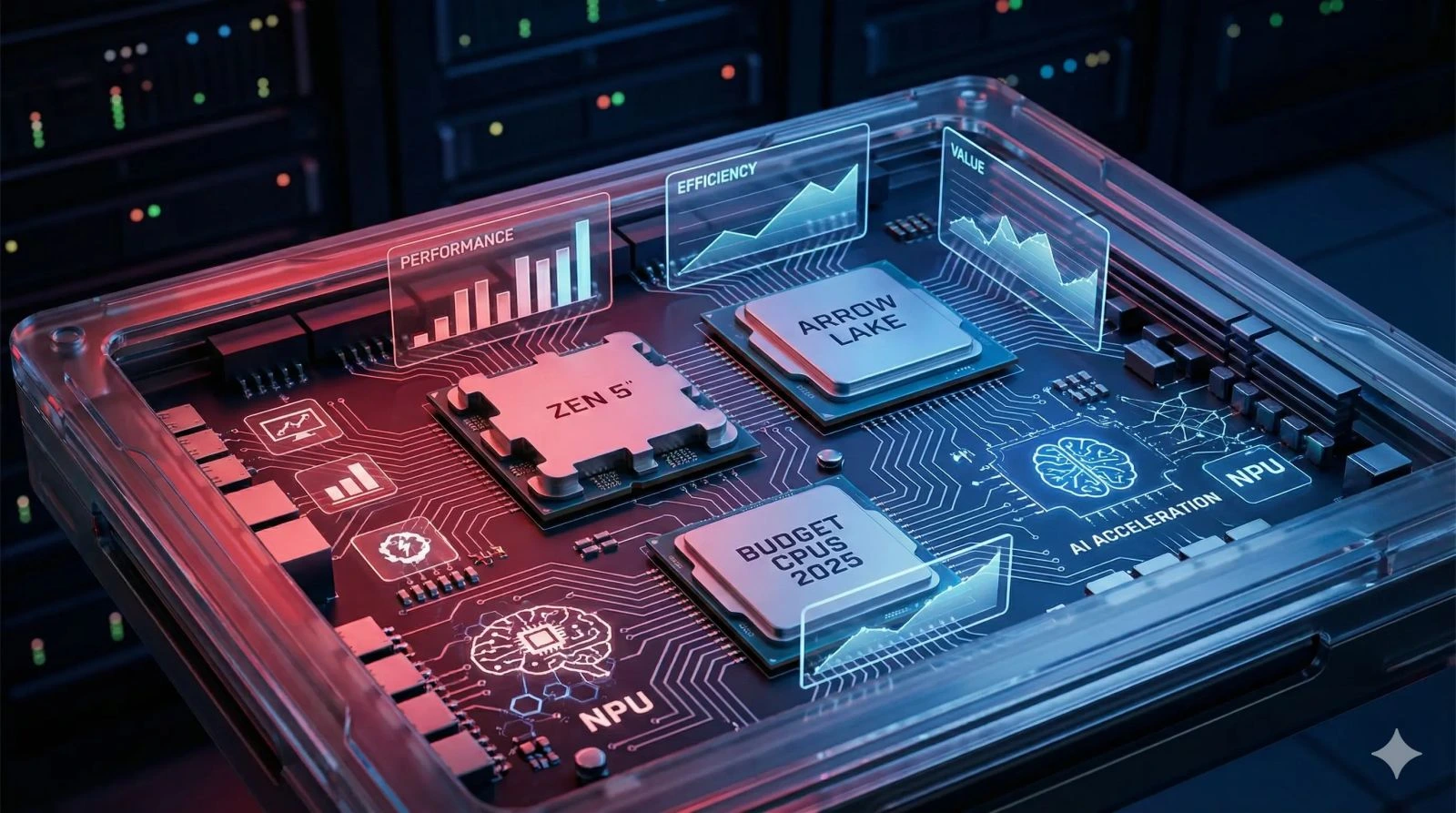
As we close out 2025, the landscape of budget PC building has shifted dramatically. Two years ago, "budget" meant compromising on core counts or being stuck on dead-end platforms.
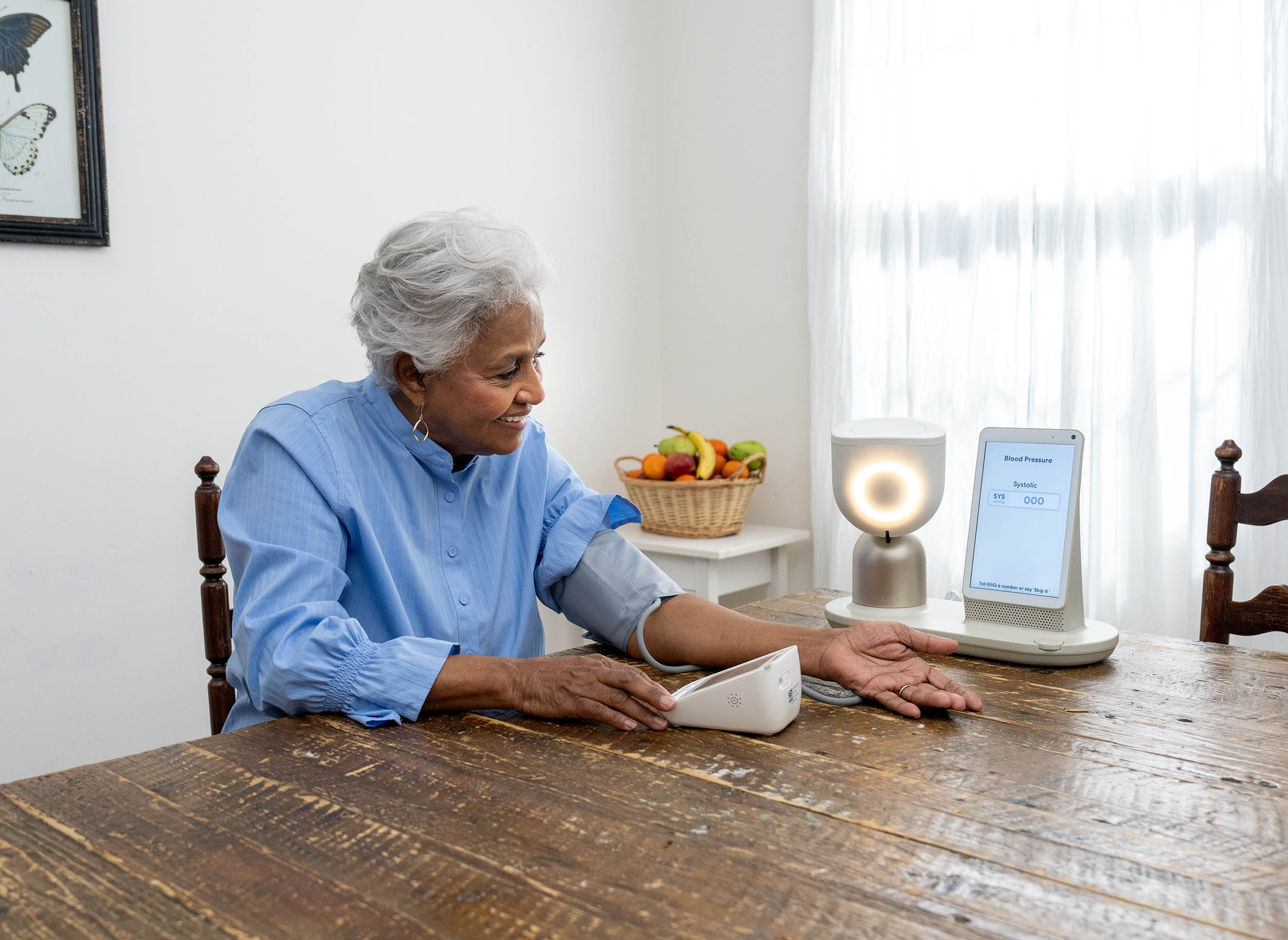
Meet ElliQ: The proactive AI companion fighting senior loneliness. Discover how social robotics and 'invisible' tech are redefining independence for the 100-year life.

Discover how transparent solar windows and smart curtains are redefining urban energy in 2026. Explore the "Vertical Power Plant" and the latest BIPV trends from key players like UbiQD and SolarGaps.

As we move deeper into 2025, a profound inversion is reshaping the technological landscape. The frontier of AI innovation has migrated from distant, massive cloud servers to the in

Is TypeScript losing its crown? Explore the 2025 dev landscape, rising salaries, developer burnout, and Microsoft’s 10x faster Go-based "Project Corsa."

Discover how the "AI Co-Parent" is revolutionizing pet care. From smart collars to health-tracking litter boxes, explore the $50B tech trend saving pet lives.